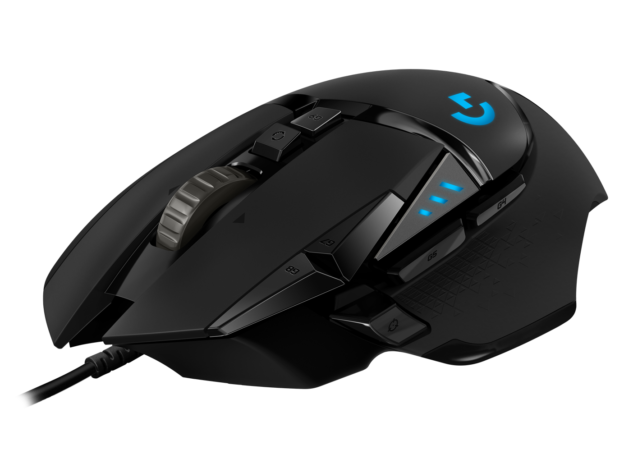
Last Updated: May 2026
Getting a new gaming mouse is only half the battle — setting it up correctly makes a significant difference to how it performs. This guide walks through everything you need to configure: DPI, polling rate, software settings, and in-game sensitivity so your mouse performs exactly how you want it.
Step 1 — Install the Software
Most gaming mice have companion software that unlocks their full feature set. This is always worth installing even if you plan to use minimal settings.
Logitech G HUB — for all Logitech G series mice. Download from logitechg.com/en-us/innovation/g-hub.html