Category Archives: Hardware

PC Components Explained: Everything You Need to Build a Gaming PC (2026 Guide)

Last Updated: May 2026

Building your own gaming PC is one of the best ways to get maximum performance for your money — and it’s more accessible than ever in 2026. But before you start buying parts, you need to understand what each component does and why it matters. This guide explains every component needed to build a gaming PC, what to look for, and how they work together.

Why Build Instead of Buy Prebuilt?

Building your own PC typically saves $100–200 compared to a prebuilt at the same performance level. You control every component choice, know exactly what’s inside, and can upgrade individual parts later. The build process itself takes 3–5 hours and is well-documented — YouTube has detailed tutorials for every step. read more

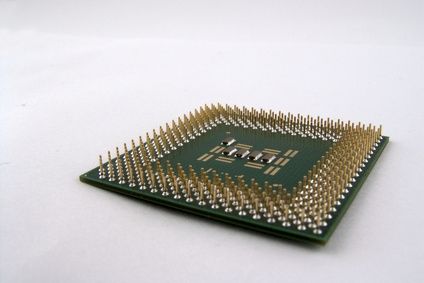
Is Upgrading Your CPU Worth It for Gaming? (2026 Guide)

Last Updated: May 2026

CPU upgrades are one of the trickiest decisions in PC building. Unlike a GPU or RAM upgrade — which are usually straightforward swaps — a CPU upgrade often comes with platform complications that significantly affect the cost and value equation. This guide walks through exactly when a CPU upgrade is worth it in 2026 and when you’re better off saving your money.

When Is a CPU Upgrade NOT Worth It?

This is the most important section of this guide because the honest answer is that a CPU upgrade is not worth it in most scenarios. read more

Why Is My GPU Underperforming? 10 Causes and Fixes (2026 Guide)

Last Updated: May 2026

If your GPU isn’t delivering the frame rates you expect, something is holding it back. GPU underperformance is a surprisingly common issue with multiple possible causes — from simple software fixes to hardware problems. This guide covers every reason your graphics card might be underperforming and exactly how to fix each one.

How to Check If Your GPU Is Actually Underperforming

Before troubleshooting, confirm the GPU is actually the problem. Download HWiNFO64 (free) and run it alongside your game. Check these two key metrics: read more

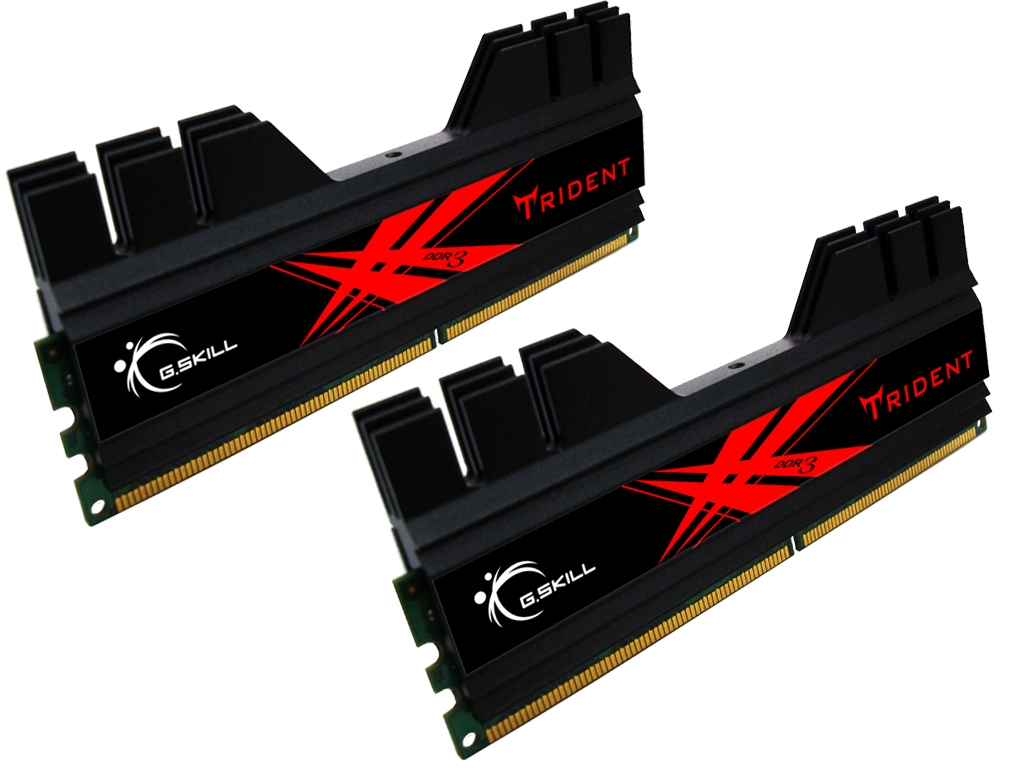
How Much RAM Do You Need for Gaming? (2026 Guide)

Last Updated: May 2026

RAM is one of the most impactful and affordable upgrades you can make to a gaming PC — and one of the most misunderstood. Too little and your PC stutters, struggles, and slows down noticeably. Too much and you’ve spent money on capacity you’ll never use. This guide explains exactly how much RAM you need for gaming in 2026, when upgrading makes sense, and what to buy.

What Does RAM Actually Do?

RAM (Random Access Memory) is your computer’s short-term working memory. When you launch a game, Windows loads the game data, textures, and assets into RAM where the CPU can access them instantly. The more RAM you have, the more data can be held in fast-access memory simultaneously. read more

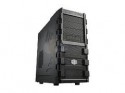
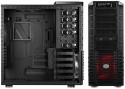
Full Tower vs Mid Tower vs mATX: Which PC Case Should You Buy? (2026 Guide)

Last Updated: May 2026Choosing a PC case is about more than aesthetics — case size affects airflow, component compatibility, upgrade potential, and how easy the build is to work on. In 2026 the case market has expanded significantly beyond just full tower vs mid tower, with mATX and mini-ITX builds becoming increasingly popular. This guide breaks down every form factor so you can pick the right one for your build.

PC Case Form Factors Explained

Before comparing the options, it helps to understand what each term means.Full tower — the largest standard case format. Typically 550mm+ tall, supports E-ATX, ATX, mATX, and ITX motherboards, multiple radiators, and extensive storage. Built for maximum expandability.Mid tower — the most popular PC case size. Typically 400–500mm tall, supports ATX, mATX, and ITX motherboards. The sweet spot for most gaming builds — enough room for all standard components without being massive.mATX (Micro ATX) — smaller than mid tower, typically 350–400mm. Supports mATX and ITX motherboards. Fewer expansion slots but more compact footprint. Growing in popularity for gaming builds in 2026.Mini-ITX — the smallest desktop form factor for gaming. Typically under 300mm. Supports only ITX motherboards. Requires careful component selection for cooling and compatibility. Popular for small desk setups and LAN party machines.

Full Tower — Who It’s For

Full towers offer the most room of any standard case form factor. Benefits include space for large AIO radiators (420mm in some cases), multiple GPUs (though multi-GPU gaming is largely dead in 2026), extensive hard drive bays for storage servers, very large CPU air coolers, and excellent airflow potential.The trade-offs are significant. Full towers are large — they take up considerable desk or floor space. They’re heavy — often 10–15kg when built. They cost more. And in 2026 most gaming builds simply don’t need the extra room — modern GPU coolers are large but fit comfortably in quality mid towers.Full towers are the right choice for:
  • Enthusiast builds with 360mm or 420mm AIOs
  • Server or NAS builds with many storage drives
  • Builders who want maximum upgrade headroom for years
  • Water cooling custom loops with large reservoirs
Full towers are overkill for:

  • Standard gaming builds with a single GPU
  • Anyone with desk space limitations
  • Builders who don’t plan extensive upgrades
  • read more