Category Archives: Hardware

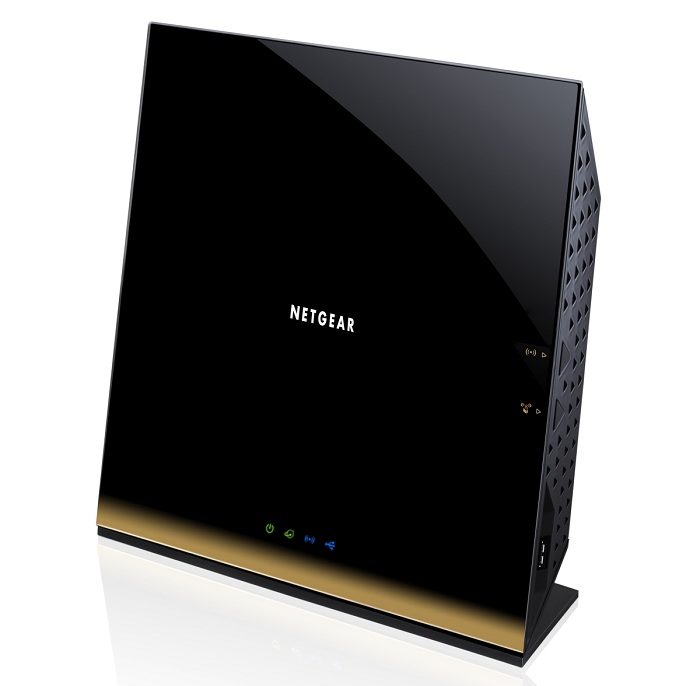
Guide for Buying New Wireless Router

A wireless router is a device which most homes have. It is providing us with an internet connection pretty much anywhere we want to go in our home. Today, everything and everyone are on the internet. You are communicating with your family, friends and even with your co-workers through internet, making extremely important business deals or sharing experiences from holidays. That’s why routers are part of our lives and due to that it is extremely important to choose the best router under 200 for your home and your needs. Here are some basic information about routers and some things you must consider: read more

How to Build a Gaming Computer

Are you a big time gaming lover? Do you really enjoy playing all different types of video games? Definitely you do! What is the hurdle for most of us when it comes to building your own PC? You possibly have no understanding of how the parts go together. You may also be wondering what parts you need for a gaming PC. Do not panic because in this article I am going to share a few good things that will encourage you to build your own PC for gaming. If you are completely new to computer building then you may want to try something a little simpler just to help you get some practice. For example, you could build a NAS first, which is like a typical PC but less complicated. It centers around streaming videos and similar media, like a sort of homemade Netflix. You find out some of the information you need about NAS computers, such as the best NAS for Plex, by searching for instructions online. read more

Components Needed to Build a PC

Arrgh, why does my computer keep on freezing? A phrase that is echoed numerous times a minute let alone a day all across the world. Errors on a computer are just as common as the sight of water is on a ship on a voyage.

Personal computers are very common and they are an integral part of our daily lives. Businesses rely on computers as being the hub of all the information that is gathered and it is computers which students depend on to perform their educational activities.

Computers, being so vital, are still extremely volatile. Fixing a solution on a computer is not as easy as some people wish. When laptops were introduced to the market, computing did become mobile but the eradication of errors was not something that occurred. Laptops have their errors and when it is a hardware error then there really is a problem which cannot be reversed or fixed as a software problem can be fixed with trial and error. The real problem with laptops is not being able to change the hardware of the laptops which is one of the reasons why businesses still use personal computers and why there is an ever present use of IT support departments. Laptops do not give the same power or processing speed as a conventional personal computer either. read more

My Most Recommended Upgrade: Adding Memory

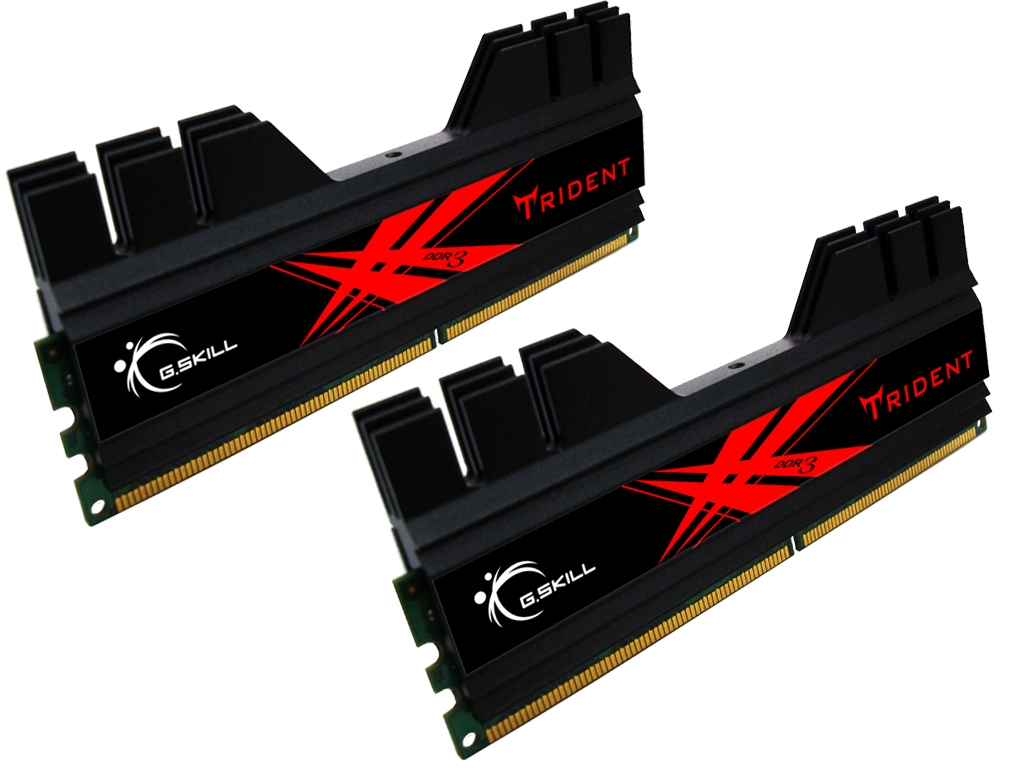
I get asked by the average Joe computer user about what they can do to speed up their aging computer. I often give them a few tips like checking for spyware/malware, defragmenting, and removing unused programs. However, I often tell them that if they want to see big differences quickly, they should consider a memory upgrade.

There are multiple reasons I recommend this upgrade. First, memory upgrades are usually quite inexpensive. Most times, you can add a ton of memory for $100 or much less. Next, installing memory is not too difficult. It is simply unplugging the computer, popping off the case, and snapping the new memory into the appropriate slots. Here is a quick how-to for installing memory. The last reason I recommend this upgrade is that for the person who checks email, browses the Internet, and not too much more, a memory upgrade will yield pretty big results when it comes to computer speed and responsiveness. read more

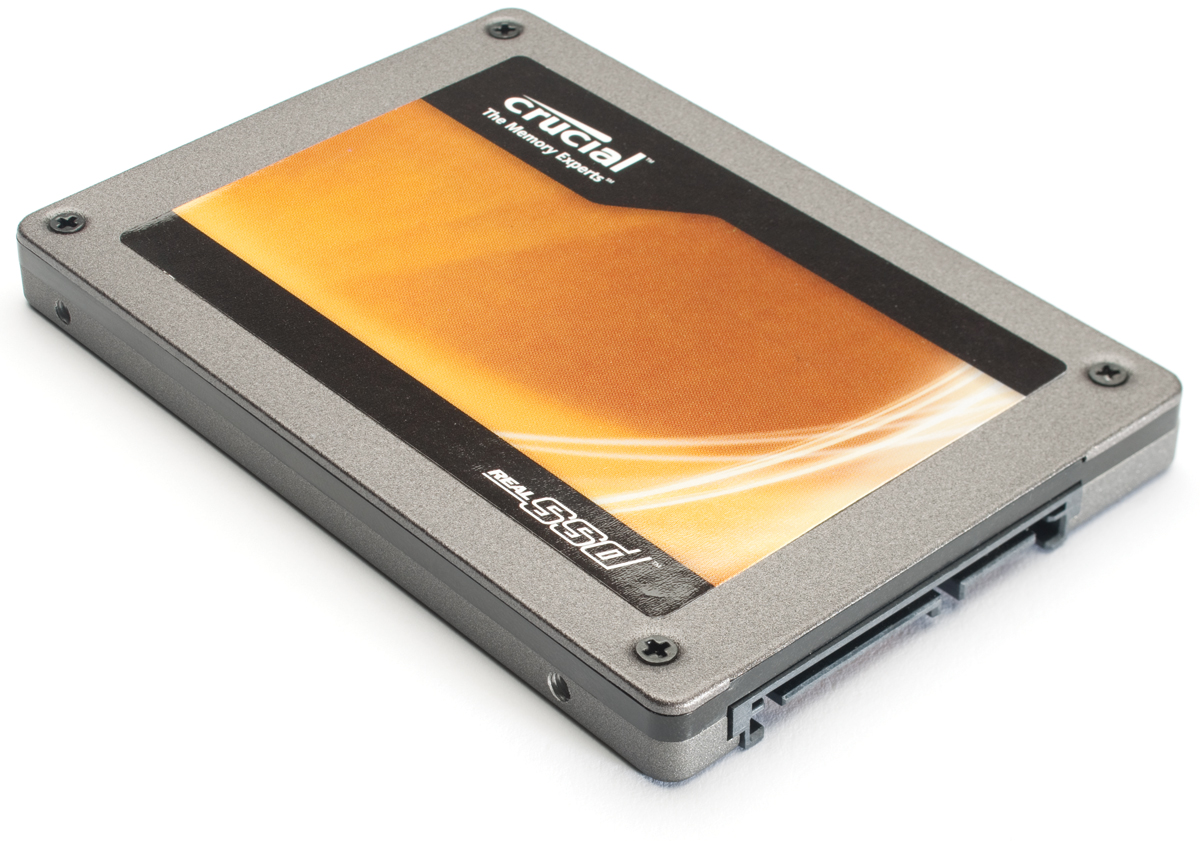
Recommended Hard Drive Setup – SSD + large SATA HDD drive

I get asked by a ton of people, both online and in real life, for recommendations on what to use for their desktop setups. Today, I want to key in on the hard drive setup.

Generally, most people are fine with the standard 500GB-1TB SATA hard drive. However, when I get asked by someone looking to do more than the standard Internet Browsing and Word processing, I often offer a more complex solution. I will recommend that they go with a SSD drive for Windows and a few key programs and then also add in a SATA drive for less intense programs, music, video, and more. Until SSD drives become less expensive, this configuration allows for performance while not breaking the bank. I like this setup so much right now that I even use this in my own primary desktop. read more