Category Archives: Hardware

CPU Temperature Guide: What’s Normal and When to Worry (2026)

Last Updated: May 2026

CPU temperatures are one of the most commonly checked stats in a gaming PC — and one of the most misunderstood. What’s a normal gaming temperature? When is it too hot? How do you check it and what do you do if temperatures are high? This guide answers all of it clearly.

What Are Normal CPU Temperatures?

CPU temperatures vary by processor generation, cooler quality, and workload. Here are general guidelines for 2026:

Idle (desktop, light tasks):

  • 30–50°C — normal for most CPUs
  • Above 60°C at idle — worth investigating, possibly poor airflow or thermal paste issues

Gaming load (sustained):

  • 65–85°C — normal for most modern gaming CPUs
  • 85–95°C — warm but within spec for many modern CPUs, particularly AMD Ryzen 7000/9000 series
  • Above 95°C sustained — too hot for most CPUs, investigate cooling
  • Above 100°C — thermal throttling territory, needs immediate attention

Specific CPU thermal limits (Tjmax) in 2026: read more

Mechanical Keyboard Benefits: Why Gamers Prefer Mechanical (2026)

Last Updated: May 2026

Mechanical keyboards have been the preferred choice of gamers and typists for years — and in 2026 they dominate the gaming peripheral market for good reason. If you’re still using a standard membrane keyboard, this guide explains exactly what you’re missing and why making the switch is one of the most satisfying peripheral upgrades you can make.

What Makes a Keyboard Mechanical?

A mechanical keyboard uses individual physical switches under each keycap — one switch per key. Each switch contains a spring, a stem, and contact points that register a keypress when the stem is pushed down far enough to complete a circuit. read more

Why You Need a Gaming Mouse: 5 Key Benefits (2026)

Last Updated: May 2026

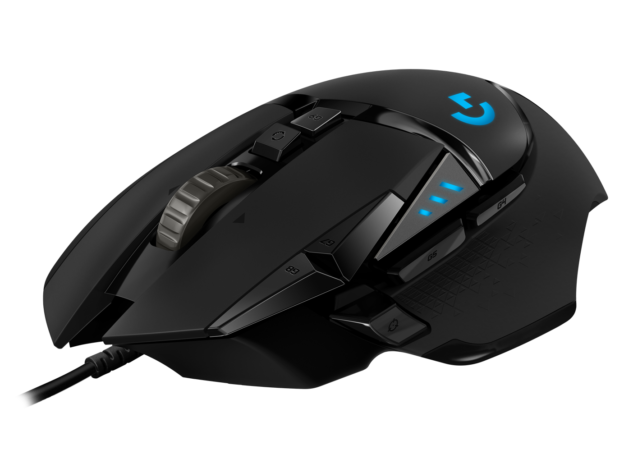
If you’re currently gaming with a standard office mouse you’re leaving performance on the table. Gaming mice are purpose-built for the demands of gaming in ways that standard mice simply aren’t. Here are the five key benefits of switching to a gaming mouse — and why it’s one of the most impactful upgrades you can make to your setup.

1. Superior Sensor Accuracy

The most fundamental difference between a gaming mouse and a standard office mouse is the optical sensor. Standard office mice use basic optical sensors designed for cursor accuracy at normal desktop speeds — moving between icons, clicking buttons, scrolling documents. They introduce smoothing, acceleration, and prediction to make cursor movement feel natural for these tasks. read more

Gaming Peripherals Buying Guide: What to Know Before You Buy (2026)

Last Updated: May 2026

Buying gaming peripherals can feel overwhelming — hundreds of options across mice, keyboards, headsets, and mousepads at every price point. This guide cuts through the noise and explains exactly what to consider before spending your money, what specs actually matter, and what’s just marketing.

Why Gaming Peripherals Matter

Gaming peripherals directly affect your experience in ways that are easy to underestimate. A mouse that doesn’t fit your hand causes fatigue and inaccuracy. A keyboard with the wrong switches slows your reaction time. A headset with poor positional audio means you miss footsteps and directional cues. A mousepad with inconsistent tracking introduces subtle errors in every movement. read more

Do I Need a Sound Card for Gaming? (2026 Guide)

Last Updated: May 2026

If you’re building or upgrading a gaming PC, a sound card probably isn’t on your parts list — and for most people that’s completely fine. Onboard audio has improved dramatically over the past decade. But there are specific situations where a dedicated sound card or external DAC/amp genuinely makes a difference. This guide explains exactly when you need one and when you don’t.

What is a Sound Card?

A sound card is a dedicated audio processing component that handles digital-to-analog conversion (DAC) — turning digital audio data into the analog signal your headphones or speakers need to produce sound. Every motherboard includes basic onboard audio that does this job. A dedicated sound card does it with higher quality components, lower noise, and more processing power. read more