Author Archives: Dominic

Best SSDs for Gaming: Top NVMe Picks at Every Budget (2026 Guide)

Last Updated: May 2026

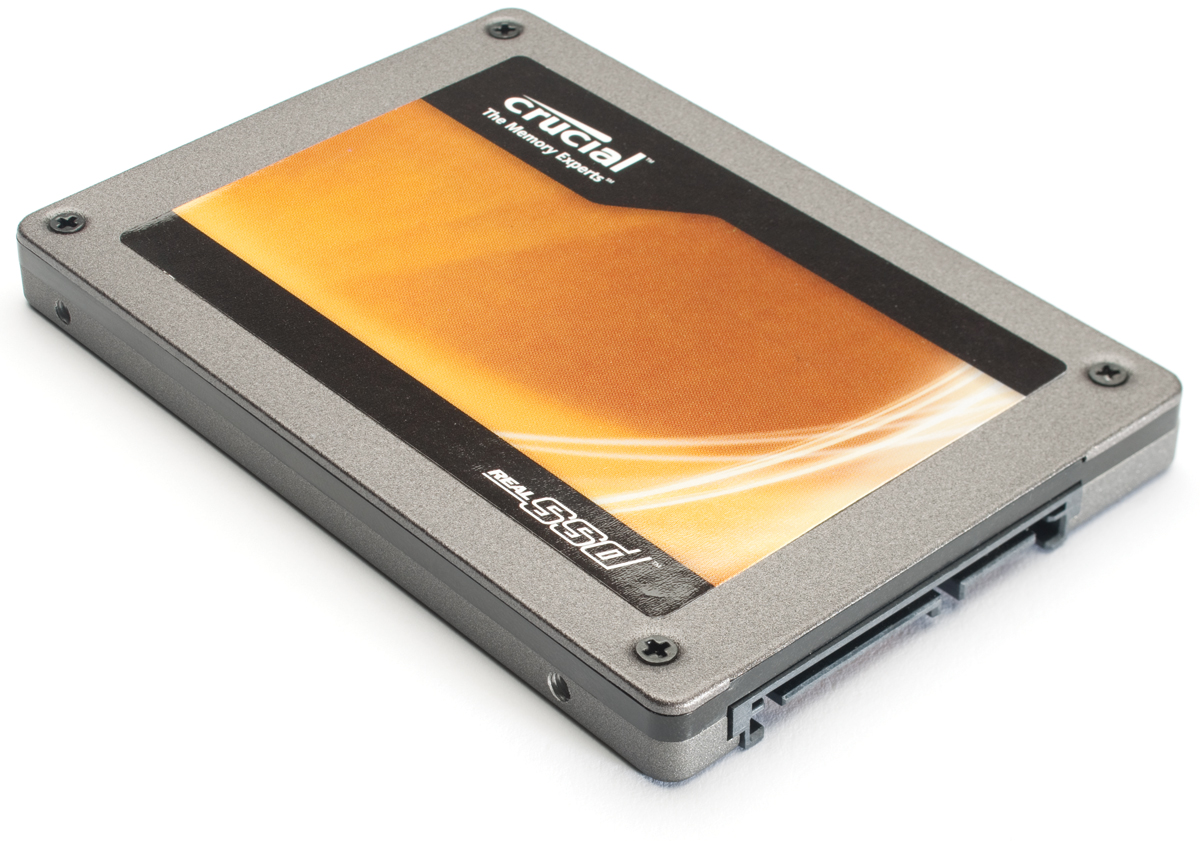
Choosing the right SSD in 2026 is more important than ever — modern games regularly exceed 100GB and DirectStorage technology means your SSD speed directly impacts in-game asset streaming. The good news is that NVMe SSD prices have dropped dramatically, making fast PCIe 4.0 storage accessible at every budget. This guide covers the best SSDs for gaming at every price point and explains what specs actually matter.

SATA vs NVMe — Which Should You Buy in 2026?

In 2026 the answer is clear — NVMe M.2 is the only type of SSD worth buying for a new gaming PC build or upgrade. read more
CPU Temperature Guide: What’s Normal and When to Worry (2026)

Last Updated: May 2026

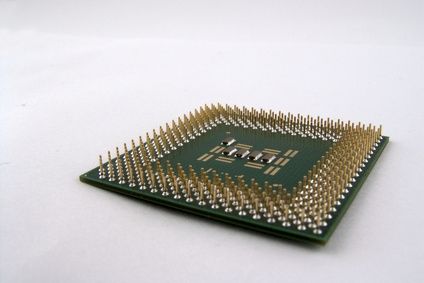
CPU temperatures are one of the most commonly checked stats in a gaming PC — and one of the most misunderstood. What’s a normal gaming temperature? When is it too hot? How do you check it and what do you do if temperatures are high? This guide answers all of it clearly.

What Are Normal CPU Temperatures?

CPU temperatures vary by processor generation, cooler quality, and workload. Here are general guidelines for 2026:

Idle (desktop, light tasks):

  • 30–50°C — normal for most CPUs
  • Above 60°C at idle — worth investigating, possibly poor airflow or thermal paste issues

Gaming load (sustained):

  • 65–85°C — normal for most modern gaming CPUs
  • 85–95°C — warm but within spec for many modern CPUs, particularly AMD Ryzen 7000/9000 series
  • Above 95°C sustained — too hot for most CPUs, investigate cooling
  • Above 100°C — thermal throttling territory, needs immediate attention

Specific CPU thermal limits (Tjmax) in 2026: read more

PC Cable Management Guide: Tips for a Clean Gaming Setup (2026)

Last Updated: May 2026

Good cable management transforms a messy, cluttered gaming setup into a clean, professional-looking workspace. Beyond aesthetics, proper cable management improves airflow in your PC case, makes future upgrades easier, and prevents cable damage from tangling and strain. This guide covers everything you need — inside the PC case and on your desk.

Why Cable Management Matters

Airflow and temperatures — inside a PC case, cables routed across the main chamber block airflow between intake and exhaust fans. Poor cable management can raise CPU and GPU temperatures by 5–10°C compared to a well-managed build. Lower temperatures mean better sustained performance and longer component lifespan. read more

Essential Windows Keyboard Shortcuts for Gamers (2026)

Last Updated: May 2026

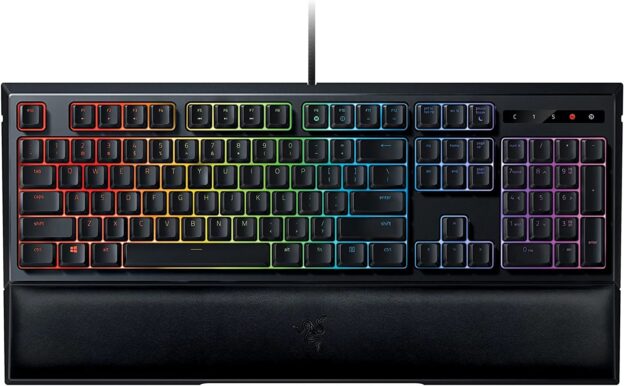
Keyboard shortcuts save time, reduce mouse dependency, and keep your hands on the keyboard where they need to be. Whether you’re switching between game and Discord, managing streams, or just navigating Windows more efficiently, knowing the right shortcuts makes everything faster. This guide covers the most useful Windows 11 keyboard shortcuts for gamers in 2026.

Windows Key Shortcuts — Most Useful for Gamers

These are the shortcuts you’ll use most frequently during and between gaming sessions.

Win + G — Opens the Xbox Game Bar overlay. Quick access to performance monitoring (FPS, CPU/GPU usage, temperatures), screen capture, audio mixer, and screen recording without alt-tabbing. One of the most useful shortcuts for gamers on Windows 11. read more

Do You Need a Gaming Mousepad? 5 Benefits Worth Knowing (2026)

Last Updated: May 2026

A gaming mousepad is one of the most overlooked and undervalued accessories in a gaming setup — and also one of the cheapest improvements you can make. If you’re gaming on a bare desk, a standard office mousepad, or a fabric surface, this guide explains exactly what you’re missing and why a dedicated gaming mousepad is worth the modest investment.

1. Consistent and Accurate Mouse Tracking

This is the most important benefit and the reason gaming mousepads exist in the first place.

Gaming mouse sensors are optical — they work by bouncing light off the surface beneath and reading the reflection to detect movement. The quality and consistency of that surface directly affects tracking accuracy. A surface with irregular texture, reflectivity, or grain introduces inconsistencies in how the sensor reads movement — creating micro-stutters, tracking errors, and slightly unpredictable cursor movement. read more