Author Archives: Dominic

Is upgrading to an SSD worth it

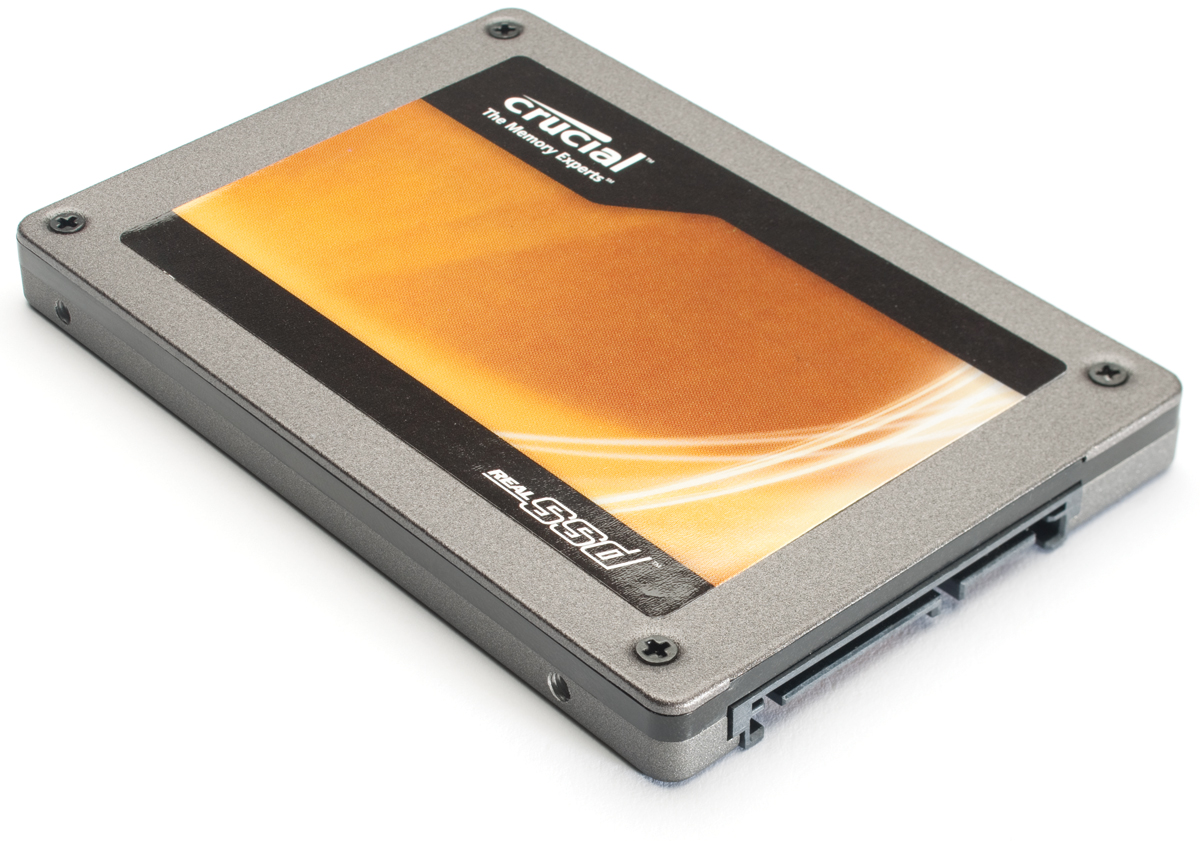
If you are considering getting an SSD (Solid State Drive) for your Laptop or desktop, there are some important things you should keep in mind before you take the plunge. Generally, for those who don’t know, solid state drives are hard drives that do not have any moving parts. These drives are very much like memory cards used in digital cameras for example. The lack of moving parts allows information to be transferred at much faster speeds when compared to a traditional hard drive.

Some people think it is expensive and are unwilling to upgrade, oblivious of the improvement it could bring to your computer. You may also think that the 256GB or 128GB capacity is not enough for all your files and programs. Whatever your concerns are, here are some things you should know about the SSD (Solid state drive). read more

Computer is Slow Except in Safe Mode

It is very frustrating when you are trying to use your PC and it is running sluggish. Recently, a friend had a problem where their PC was running slow, however, in safe mode it was running fine. After some research, this seems to be a pretty common problem for Windows users.

This symptom is a classic sign of one of 2 things. Either a driver is corrupt or some program, whether it be a malicious program or not, is causing problems. Let’s take a look at a few tips to help fix your computer if it is running slow except in safe mode. read more

Step-By-Step Guide to Removing a Virus

I get called quite often by a friend or family member to help remove a virus or malware. All viruses are quite annoying and the way to remove a virus isn’t always the same. Over time, I have been able to find a pretty solid step-by-step process for removing a virus. In my process, I perform the easiest most likely to work actions first and move on to the harder steps later. In this post, I want to share my process so that it can hopefully be of some assistance if you ever need to rid your PC of a virus or malware. read more

5 Tips to Keep You from Getting Malware

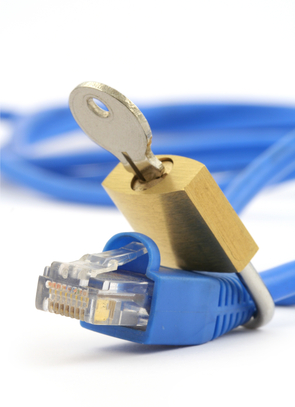
Viruses and Malware are one of the most common problems experienced by computer users. Prevention is the only way to stay safe and keep your computer performing well. Getting malware is one of the most common risks of being connected to everyone else on the planet. Fortunately, there are some effective tips you can use to keep your computer from getting malware. These have been discussed below.

Get an Effective and Updated Antivirus Software

It is important to install an effective and updated antivirus software like Bitdefender Free Antivirus. (or, if paid products are your thing, you can try any of the other solutions offered by Bitdefender Antivirus) Most people consider themselves to be experts in computing. Therefore, people act casual and don’t use antivirus programs. However, this can be a very poor choice. You may not even know when someone loads a virus onto your computer and you have to waste your time reinstalling Windows. read more

Guide for Buying New Wireless Router

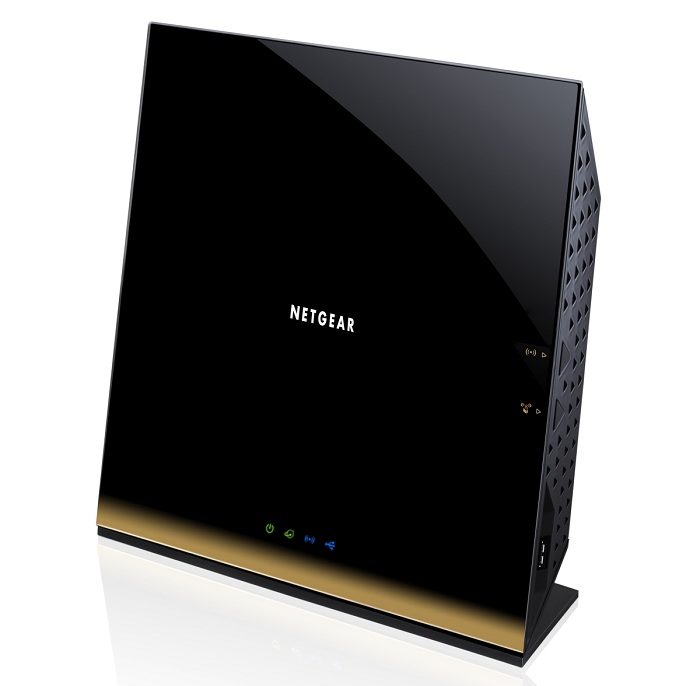
A wireless router is a device which most homes have. It is providing us with an internet connection pretty much anywhere we want to go in our home. Today, everything and everyone are on the internet. You are communicating with your family, friends and even with your co-workers through internet, making extremely important business deals or sharing experiences from holidays. That’s why routers are part of our lives and due to that it is extremely important to choose the best router under 200 for your home and your needs. Here are some basic information about routers and some things you must consider: read more